What Is OpenClaw? The Complete Non-Technical Guide
CampeloClaw Team · · 13 min read
Updated
OpenClaw went from zero to over 330,000 GitHub stars in less than four months, making it one of the fastest-growing open-source projects in history. Jensen Huang, CEO of Nvidia, called it "the next ChatGPT." Wired, CNET, and Malwarebytes have all covered it. And yet, most people still have no idea what it actually does.
If you have heard the name but feel confused by the technical jargon around it, this guide is for you. We will explain what OpenClaw is, how it works, what it can do for you in practical terms, how much it costs, whether it is safe, and how it compares to ChatGPT. No coding knowledge required.
What Is OpenClaw?
OpenClaw is a free, open-source AI assistant that you install on your own computer or server. Think of it as hiring a digital employee who lives inside your machine and connects to your apps — WhatsApp, Telegram, Discord, email, calendar, and more. You talk to it through the messaging apps you already use, and it takes action on your behalf.
Unlike ChatGPT, which only answers questions in a chat window, OpenClaw actually does things. It can clear your inbox, send emails, manage your calendar, check you in for flights, summarize the news, post on social media, and respond to messages while you sleep. It is autonomous — meaning once you set it up, it keeps working without you having to prompt it every time.
OpenClaw was originally called ClawdBot, then Moltbot, before settling on its current name. It was created by developer Peter Steinberger and launched in November 2025. Within weeks it became a global phenomenon, with Wikipedia noting it is "a free and open-source autonomous artificial intelligence agent" that uses messaging platforms as its main interface.
Open-source means the code is public and free. Anyone can inspect it, modify it, or run it. You do not pay OpenClaw for the software itself. The only cost is the AI model you choose to power it (more on that below).
How Does OpenClaw Work?
OpenClaw has three main parts that work together. Understanding them will help you see why it is more powerful than a regular chatbot.
The Gateway — Your Agent's Brain
The Gateway is the core of OpenClaw. It runs on your machine (a Mac Mini, a Linux server, or even a cheap cloud VPS) and acts as the central hub. It receives your messages, decides what to do, calls the AI model for thinking, and then takes action. Think of it as the brain of your digital employee.
Channels — How You Talk to It
Channels are the messaging apps OpenClaw connects to. It supports over 20 channels including WhatsApp, Telegram, Discord, Slack, email (IMAP/SMTP), web chat, and voice. You do not need a special app — you talk to your AI assistant through the same apps you already use every day.
AI Models — The Thinking Power
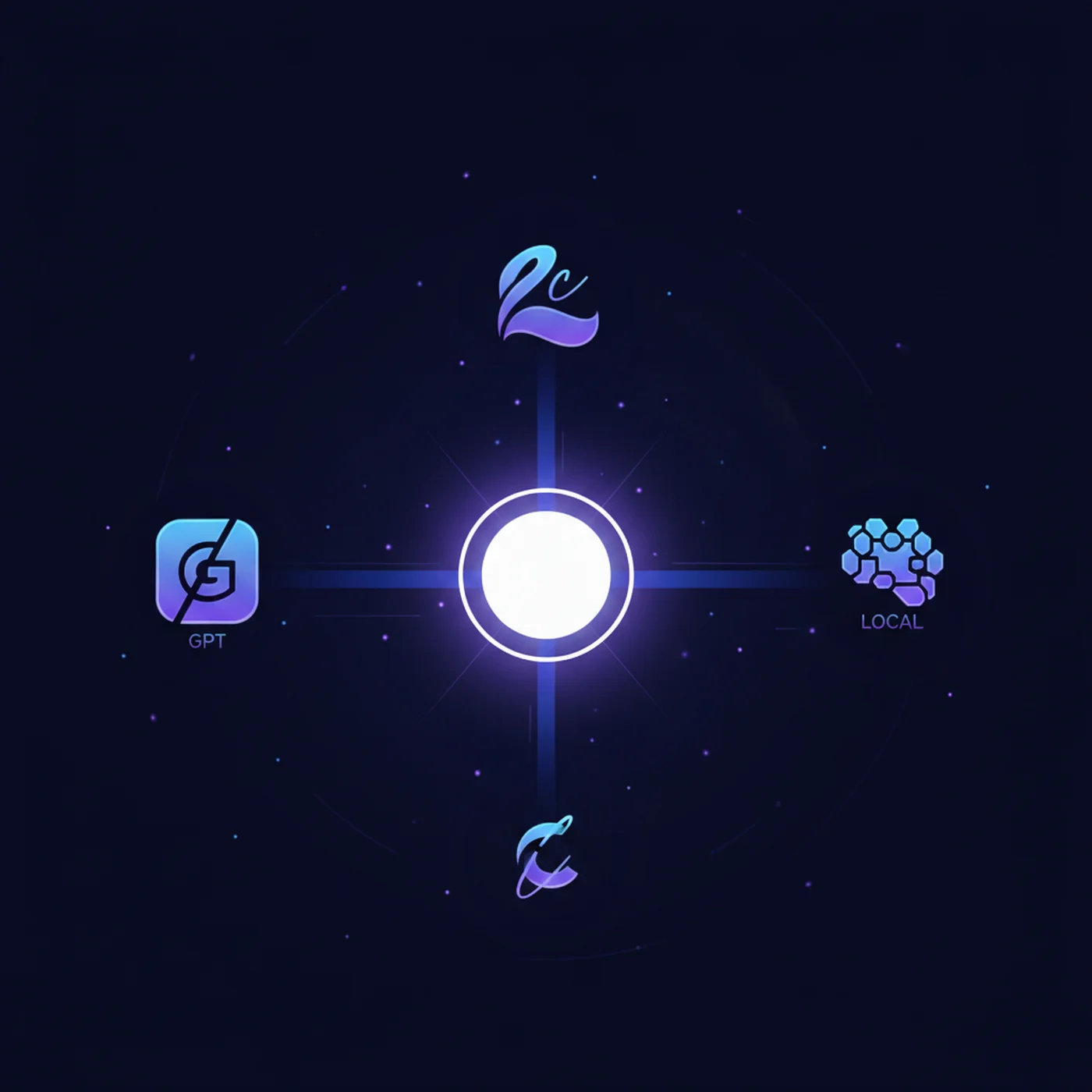
OpenClaw does not have its own AI brain. Instead, it connects to the AI model of your choice. You can use Claude (by Anthropic), GPT (by OpenAI), Gemini (by Google), or even free local models that run on your own hardware using tools like Ollama. This flexibility means you control both the quality and the cost of your assistant.
When you send a message to your OpenClaw via WhatsApp, here is what happens: your message arrives at the Gateway, the Gateway sends it to the AI model, the model thinks and responds, the Gateway takes action (send email, update calendar, search the web), and sends you the result back on WhatsApp. All of this happens in seconds.
What Can OpenClaw Actually Do?
This is where OpenClaw gets exciting. It is not just a chatbot that answers questions. It is an agent that takes action. Here are real examples of what people use it for every day.
| Category | What OpenClaw Does | How You Trigger It |
|---|---|---|
| Email management | Reads your inbox, summarizes important emails, drafts replies, and flags urgent messages | Automatic every morning, or ask via WhatsApp: "Check my email" |
| Calendar & scheduling | Manages your calendar, books meetings, sends reminders, and checks you in for flights | "Schedule a meeting with John on Friday at 3pm" |
| Research & summaries | Searches the web, reads articles, and gives you a summary with key takeaways | "Summarize the latest news about OpenClaw" |
| Social media | Drafts posts, generates captions, creates content calendars, and can post on your behalf | "Write an Instagram caption about my new product launch" |
| Business operations | Monitors competitors, tracks prices, generates reports, manages customer inquiries | Scheduled tasks that run every day/week automatically |
| Personal tasks | Sets reminders, creates shopping lists, tracks habits, manages to-do lists | "Remind me to call the dentist tomorrow at 9am" |
| Multi-agent teams | Run multiple AI agents with different roles — one for email, one for social media, one for research | Configure once, they work together automatically |
The Heartbeat feature is what made OpenClaw go viral. It is a scheduled routine where your agent proactively checks your email, calendar, news, and tasks — then sends you a morning briefing without you asking. Imagine waking up to a WhatsApp message from your AI with everything you need to know for the day.
Why Is OpenClaw So Popular?
OpenClaw grew from zero to 330,000+ GitHub stars faster than almost any project in open-source history. Three things explain this explosive growth.
It Actually Does Things
Most AI tools are passive — you ask, they answer. OpenClaw is active. It reads your emails, manages your calendar, sends messages, searches the web, and writes files. This shift from "AI that talks" to "AI that works" is why people call it a digital employee rather than a chatbot.
It Works Through Apps You Already Use
You do not need to learn a new interface. OpenClaw lives inside WhatsApp, Telegram, Discord, or whatever messaging app you prefer. You text your AI assistant the same way you text a friend. This zero-learning-curve approach makes it accessible even to people who have never used AI before.
Your Data Stays on Your Machine
Unlike cloud-based AI services, OpenClaw runs on hardware you control. Your personal data, emails, and files never leave your machine unless you explicitly tell it to reach out to an external service. For privacy-conscious users, this is a massive advantage.
OpenClaw vs ChatGPT: What Is the Difference?
This is the most common question people ask. Both involve AI, but they solve very different problems.
| Feature | OpenClaw | ChatGPT |
|---|---|---|
| What it is | AI agent that takes actions on your behalf | Chat interface for asking questions |
| Where it runs | Your machine (self-hosted) | OpenAI's cloud servers |
| How you use it | WhatsApp, Telegram, Discord, email — any channel | Browser or mobile app only |
| Can it take action? | Yes — sends emails, manages calendar, posts on social media, runs scheduled tasks | Limited — mostly answers questions, some plugins |
| AI model | Your choice: Claude, GPT, Gemini, local models | GPT only |
| Cost | Free software + you pay per AI API call (from $3/month) | $20/month for Plus, $200/month for Pro |
| Privacy | Data stays on your machine | Data goes to OpenAI servers |
| Always on? | Yes — runs 24/7, sends proactive updates | No — only responds when you open the app |
In short: ChatGPT is a tool you visit when you have a question. OpenClaw is a digital employee that works for you around the clock. Many people use both — ChatGPT for quick questions, and OpenClaw for automating their daily workflows.
How Much Does OpenClaw Cost?
OpenClaw itself is completely free — it is open-source software. But running it involves two types of costs: hosting (where it runs) and AI model usage (what powers the thinking).
| Component | Free Option | Paid Option | Typical Cost |
|---|---|---|---|
| OpenClaw software | Always free | N/A | $0 |
| Hosting | Your own computer (Mac, PC, Raspberry Pi) | Cloud VPS (Hetzner, DigitalOcean, Hostinger) | $0 – $10/month |
| AI model | Local models via Ollama (lower quality) | Claude, GPT, Gemini API | $3 – $30/month typical |
Most users report spending between $3 and $15 per month total. One Reddit user shared running 19 agents for just $6 per month by using efficient models for routine tasks and premium models only when needed. The key is choosing the right model for each task — you do not need GPT-4 to set a reminder.
If you want zero cost to start, you can run OpenClaw on your own computer with Ollama (free local AI models). The quality is lower than paid models like Claude or GPT, but it lets you explore every feature without spending anything.
Is OpenClaw Safe to Use?
Safety is a legitimate concern. OpenClaw has deep access to your system — it can read files, send emails, and execute commands. Microsoft, Malwarebytes, and multiple security researchers have published guides on using it safely.
The good news: OpenClaw gives you granular control over what it can and cannot do. Here are the key safety measures built into the platform.
- Immune System: a built-in security layer that blocks dangerous actions and requires your confirmation before sensitive operations
- Sandboxing: you can restrict which folders, apps, and services your agent can access
- Approval mode: configure your agent to ask permission before taking certain actions like sending emails or spending money
- Audit log: every action your agent takes is logged, so you can review exactly what it did and when
- Local-first: your data stays on your machine — OpenClaw does not send your files to any third party
The biggest risk is misconfiguration — giving your agent too much access without proper safeguards. This is exactly why learning proper setup matters. A well-configured OpenClaw is no riskier than giving an employee access to your email. A poorly configured one is like leaving your office unlocked.
The OpenClaw Ecosystem: Skills, ClawHub, and Memory
OpenClaw is not just a single tool. It has a growing ecosystem that extends what your agent can do.
Skills — Apps for Your AI Agent
Skills are like apps for your AI agent. They add new capabilities — a Google Calendar skill lets your agent manage your schedule, a web search skill lets it browse the internet, an image generation skill lets it create visuals. You install skills with a single command, and your agent immediately gains new abilities.
ClawHub — The App Store
ClawHub is the community marketplace where developers share skills. Think of it as an app store for your AI agent. There are hundreds of skills available, from productivity tools to social media integrations to custom business workflows. Be cautious though — like any marketplace, not all skills are safe. Stick to verified skills from trusted authors.
Memory — Your Agent Learns and Remembers
OpenClaw has a memory system that lets your agent remember your preferences, past conversations, and important information. Over time, your agent gets better at helping you because it understands your habits, communication style, and priorities. You control what it remembers and can delete memories at any time.
How to Get Started with OpenClaw
Getting OpenClaw running takes about 15 to 30 minutes, depending on your comfort level with technology. There are three paths depending on your situation.
Option 1: Run It on Your Own Computer (Free)
If you have a Mac, Windows PC, or Linux machine that stays on most of the time, you can install OpenClaw directly on it. This is the free option, but your agent only works when your computer is on.
Option 2: Run It on a Cloud Server ($5–10/month)
A cloud VPS from providers like Hetzner, DigitalOcean, or Hostinger gives you a server that runs 24/7. This means your agent never sleeps. Most people choose this option because it costs less than a coffee per week and gives you a reliable, always-on assistant.
Option 3: Use a Managed Hosting Service
Services like GetOpenClaw.ai and others offer one-click OpenClaw hosting starting at $59 per month. You do not need to touch any server configuration — they handle everything. This is the easiest path, but also the most expensive.
If you are completely non-technical, do not worry. Our CampeloClaw course walks you through every step with video tutorials designed for people with zero coding experience. We show you exactly what to click, what to type, and what to expect — from installation to your first working AI assistant.
Frequently Asked Questions
Written by CampeloClaw Team
We teach non-technical users how to build AI employees with OpenClaw.
Keep reading
Ready to master OpenClaw?
Go from zero to running your own 24/7 AI assistant with our hands-on course.
Get Access→